Install Abrium
One click from the Chrome Web Store. Listing is under review — the button below is a placeholder until it goes live.
Add to ChromeComing soon
1Add the extensionOpen the Chrome Web Store listing and choose Add to Chrome. No permissions beyond claude.ai are requested.
2Pin it to the toolbarClick the puzzle-piece icon and pin Abrium so the popup is one click away.
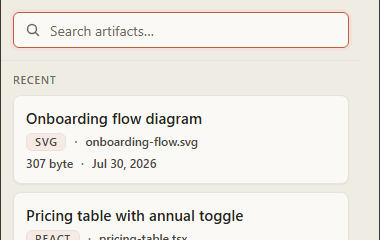
3Open a conversationVisit claude.ai, open any artifact in Code view, and it appears in the Vault immediately.